
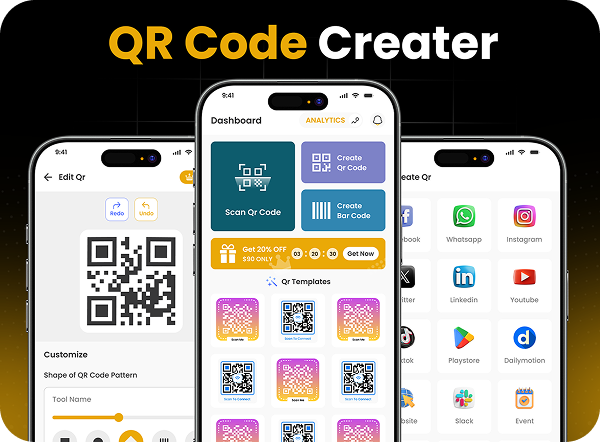
QR Code Creator App Development
QR Code Creator is a cross-platform mobile application developed for both Google Play Store and Apple App Store. The app allows users to generate and scan QR codes with ease, supporting a variety of content types such as URLs, contact details, Wi-Fi credentials, and more. It also features a wide range of customizable templates to create visually appealing and branded QR codes.
Developed using modern frameworks, the app is optimized for performance, fast scanning, and seamless user experience on
both Android and iOS devices. From intuitive navigation to real time QR previews, every feature is designed to be user-centric
and reliable.
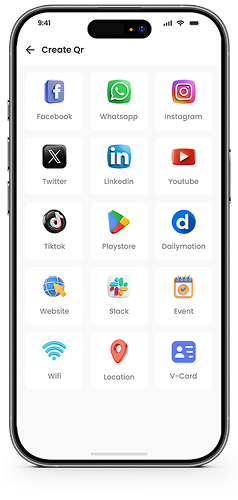
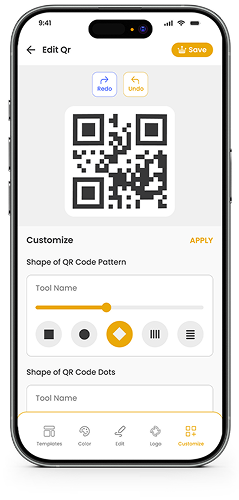
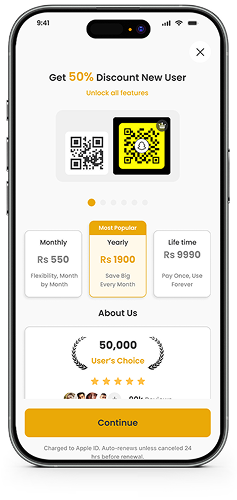
Check Out Mobile App Screens
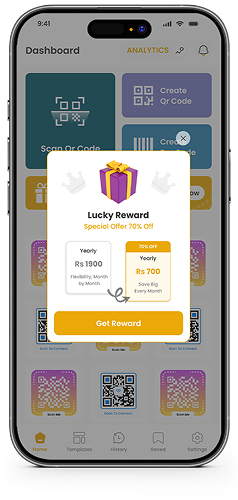
App Development Requirements QR Code Creator
1. Platform Compatibility
- Native or cross-platform support for Android (Play Store) and iOS (App Store)
- Responsive design for various screen sizes and device resolutions
2. Core Features
- QR Code Generator for:
Text, URL, Email, Phone Number, Wi-Fi, Contacts, and Location. - QR Code Scanner with real-time camera detection.
- Save and share generated QR codes.
- Apply customizable templates, colors.
- ogos, and styles to QR codes.
3. User Management
- Optional user login/signup (email or social login)
- User dashboard for saved QR codes
- Cloud sync or local storage for QR history (based on user preference)
4. UI/UX Design
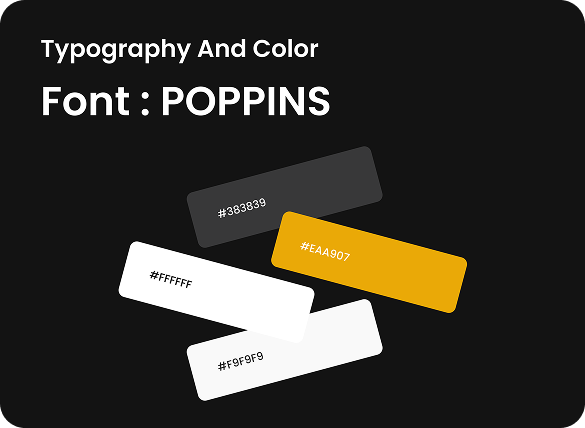
- Clean, modern, and minimal interface
- Intuitive navigation and smooth transitions
- Dark/light mode support (optional)
5. Security & Permissions
- Clean, modern, and minimal interface
- Secure data handling and local storage
- Permission prompts compliant with Android & iOS guidelines
6. Technical Requirements
- Clean, modern, and minimal interface
- Backend (optional): Firebase, Node.js, or any preferred backend
- QR code libraries (open-source or proprietary) for generation and scanning
- Codebase: Flutter / React Native / Swift + Kotlin (as per chosen tech stack)
7. Publishing & Maintenance
- Ready for submission to Play Store and App Store
- Regular updates, bug fixes, and support documentation
- Analytics integration (e.g., Firebase Analytics)
App Development Solution QR Code Creator
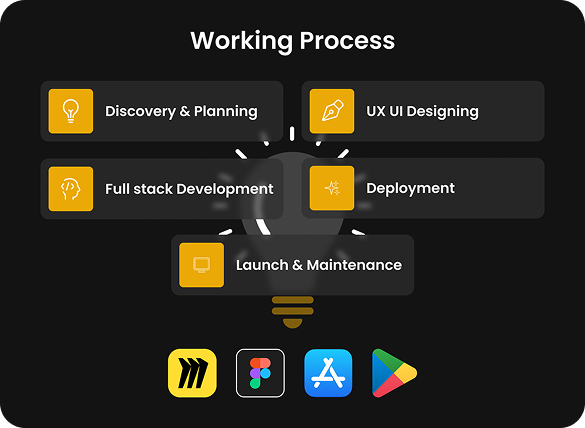
To meet the outlined requirements, we developed QR Code Creator as a cross-platform mobile application using Flutter, ensuring seamless performance on both Android and iOS platforms with a single codebase. The app combines efficiency with ease-of-use, providing both QR code generation and scanning functionalities within a clean and intuitive interface.
Core Features
- Integrated advanced QR libraries to support various data types including text, URLs, contact info, Wi-Fi, and more.
- Implemented a real-time QR scanner using camera APIs, allowing users to quickly scan codes without delays.
- Enabled custom styling features users can personalize their QR codes with colors, templates, and logo overlays.
User Experience & Interface:
- Designed a minimal, modern UI with smooth navigation and clear CTAs to ensure users can create or scan QR codes in seconds.
- Added a QR history dashboard, allowing users to save and manage previously generated or scanned codes.
Technical Execution:
- Utilized Firebase for optional user login, analytics, and backend services.
- Ensured high performance and device compatibility across screen sizes and operating system versions.
Deployment & Maintenance:
- The app is fully prepared and published on both Google Play Store and Apple App Store, following their respective guidelines.
- Ongoing support includes updates, performance optimization, and user feedback handling to keep the app running smoothly.
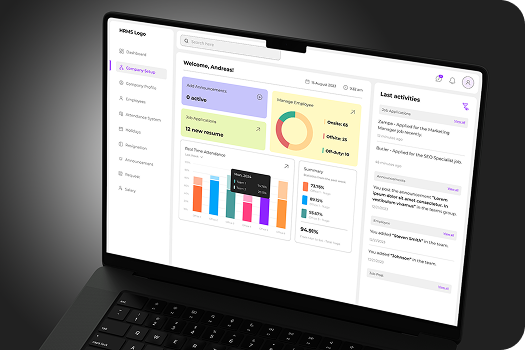

Experience the best in web development with our UK-based team
Get professional web development services in the UK from our team of skilled web developers. We’ll help you design scalable, high-performance websites that will engage users, boost visibility, increase conversions, enhance brand credibility, and drive long-term business growth.
Empowering UK Businesses
Through Digital
Transformation
Digital transformation is Devomni’s forte when it comes to transforming businesses in the UK. As a leading web development company in the UK, we help your brand reach a wider audience through modern, responsive web designs that adapt to various devices seamlessly.
FAQs
The app allows users to generate and scan QR codes for multiple content types, including URLs, text, contact details, Wi-Fi credentials, phone numbers, and locations. It also supports saving, sharing, and customizing QR codes with templates, colors, and logo overlays.
Yes, the app is developed as a cross-platform mobile application, ensuring seamless performance on both Android and iOS devices. It is optimized to work smoothly across various screen sizes and operating system versions.
Yes, the app offers extensive customization options, allowing users to modify colors, apply templates, and add logos to create visually appealing and branded QR codes suited for personal or business use.
The app includes a real-time QR scanner powered by advanced camera integration. It enables users to scan QR codes quickly and accurately without delays or complicated steps.
Yes, the app provides a QR history dashboard where users can save, manage, and revisit previously generated or scanned QR codes. Users can choose between cloud synchronization or local storage based on their preference.
The app follows platform-specific security guidelines and uses secure data handling practices. It includes transparent permission prompts and ensures safe storage of QR code data while maintaining user privacy.

Let’s Talk;
We’re Here to Help